Updating my dotfiles


Russ McKendrick · 3 min read ·
I decided to spring clean my Dotfiles repo, as it had been a while. Then I noticed that the last time I mentioned them on the blog was nearly ten years ago, so I wanted to give a quick update. The most significant change is that I have moved to using Zsh and Oh My Zsh since Zsh became the default Shell in macOS.
Install everything needed for the dotfiles
The commands below assume you are starting from a clean installation, which I do at least once a year. The first thing is to install Oh MyZsh:
sh -c "$(curl -fsSL https://raw.githubusercontent.com/ohmyzsh/ohmyzsh/master/tools/install.sh)"Once installed, we can download and install the Fonts and Theme I use:
brew tap homebrew/cask-fontsbrew install font-hack-nerd-fontgit clone --depth=1 https://github.com/romkatv/powerlevel10k.git ${ZSH_CUSTOM:-$HOME/.oh-my-zsh/custom}/themes/powerlevel10kThere are some other tools called by the dot files, so lets install those too.
brew install tree pygments ffmpeg yt-dlp visual-studio-code drawio thefuck stow zoxide ghgh extension install github/gh-copilot # enable the gh-copilot extensiongh copilot alias -- zsh # run one and accept the t&csPulling and setting up the dotfiles
First, we need to pull my dotfiles repo:
git clone git@github.com:russmckendrick/dotfiles.git ~/.dotfilesThen, create backups of all of the existing files:
mv ~/.zprofile ~/.dotfiles/backups/mv ~/.zshrc ~/.dotfiles/backups/mv ~/.gitconfig ~/.dotfiles/backups/Now we can create symbolic links to load contents from our ~/.dotfiles folder using stow:
cd ~/.dotfilesstow .What does it look like?
Below are some screens of what my current terminal looks like:
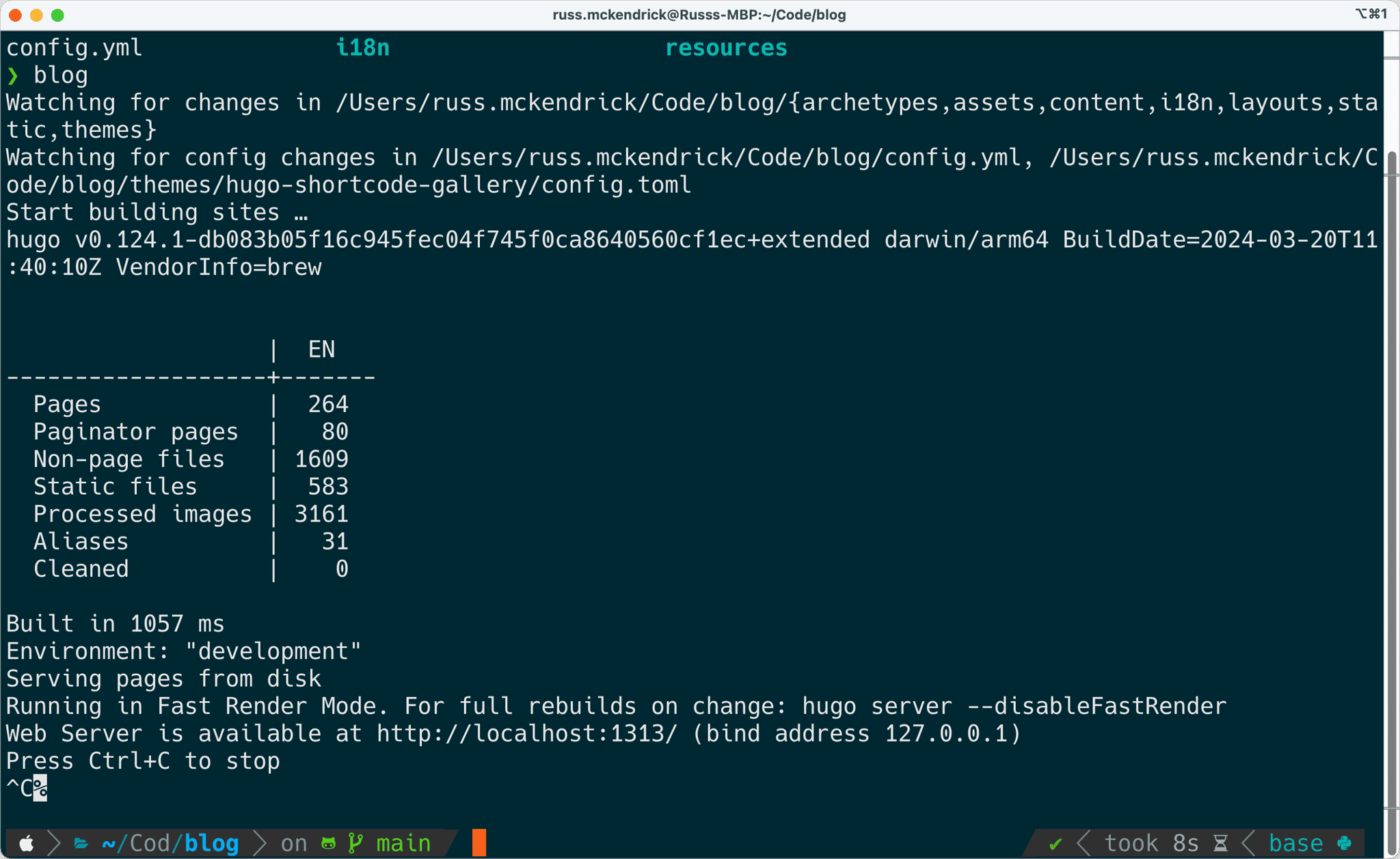
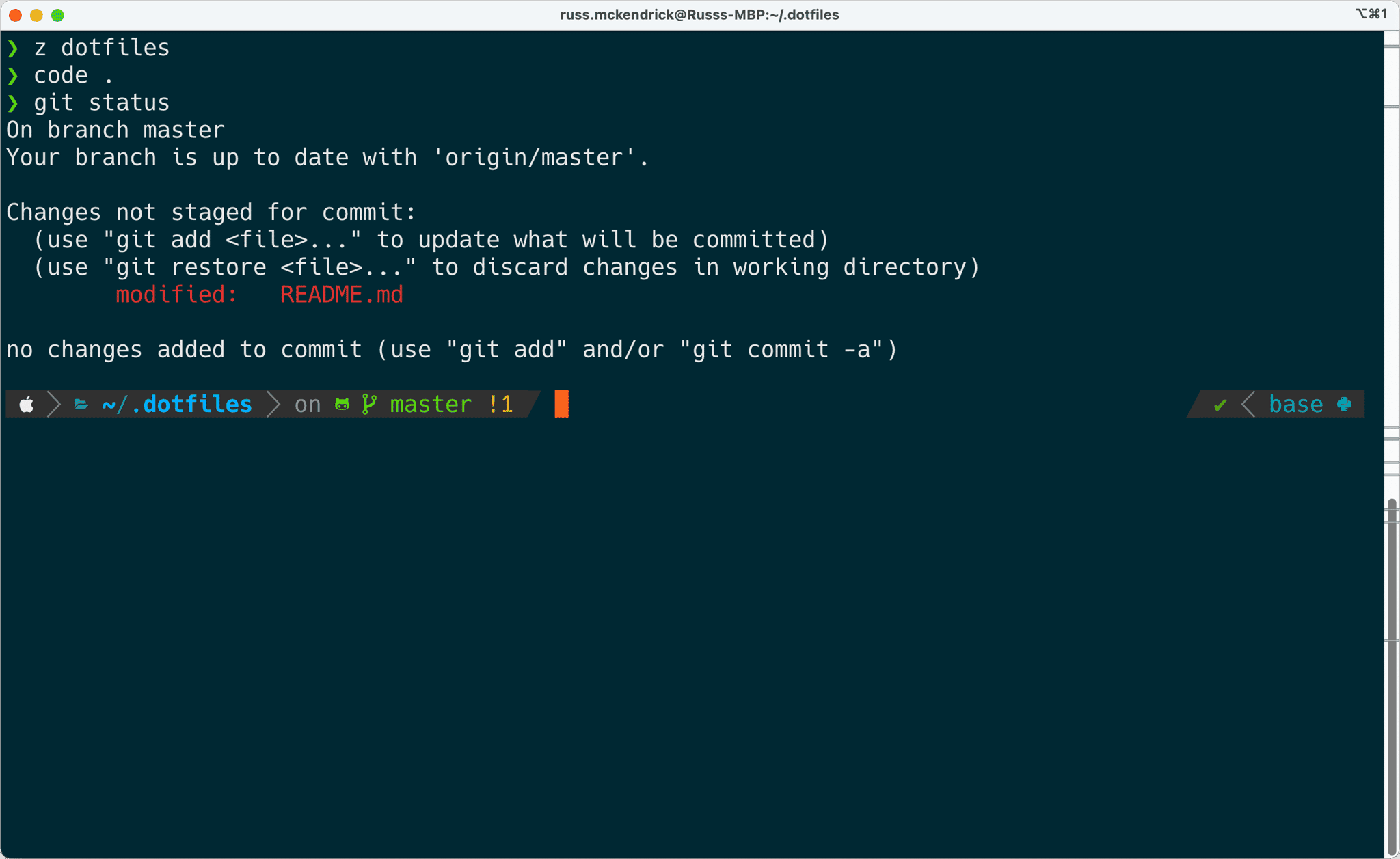
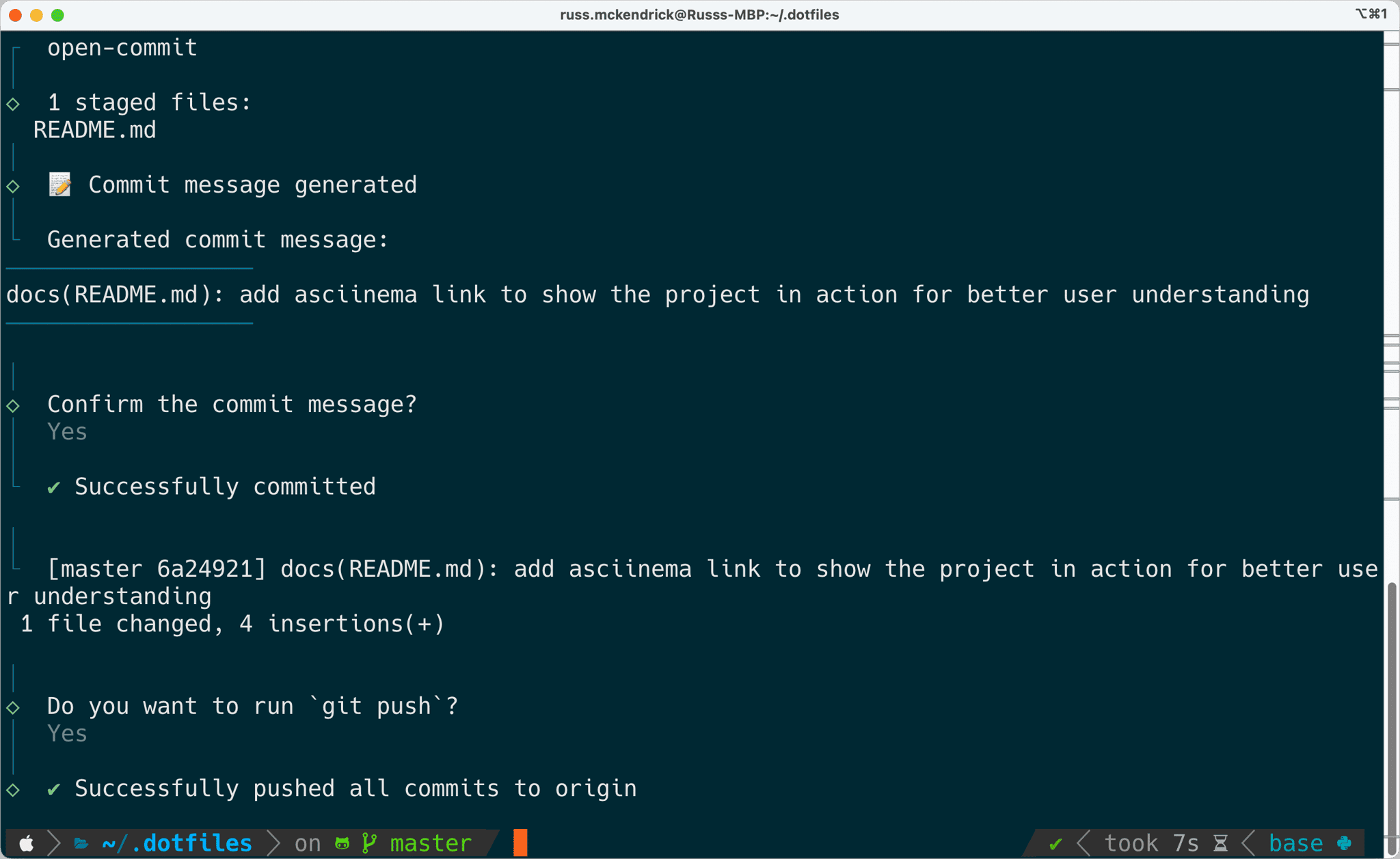
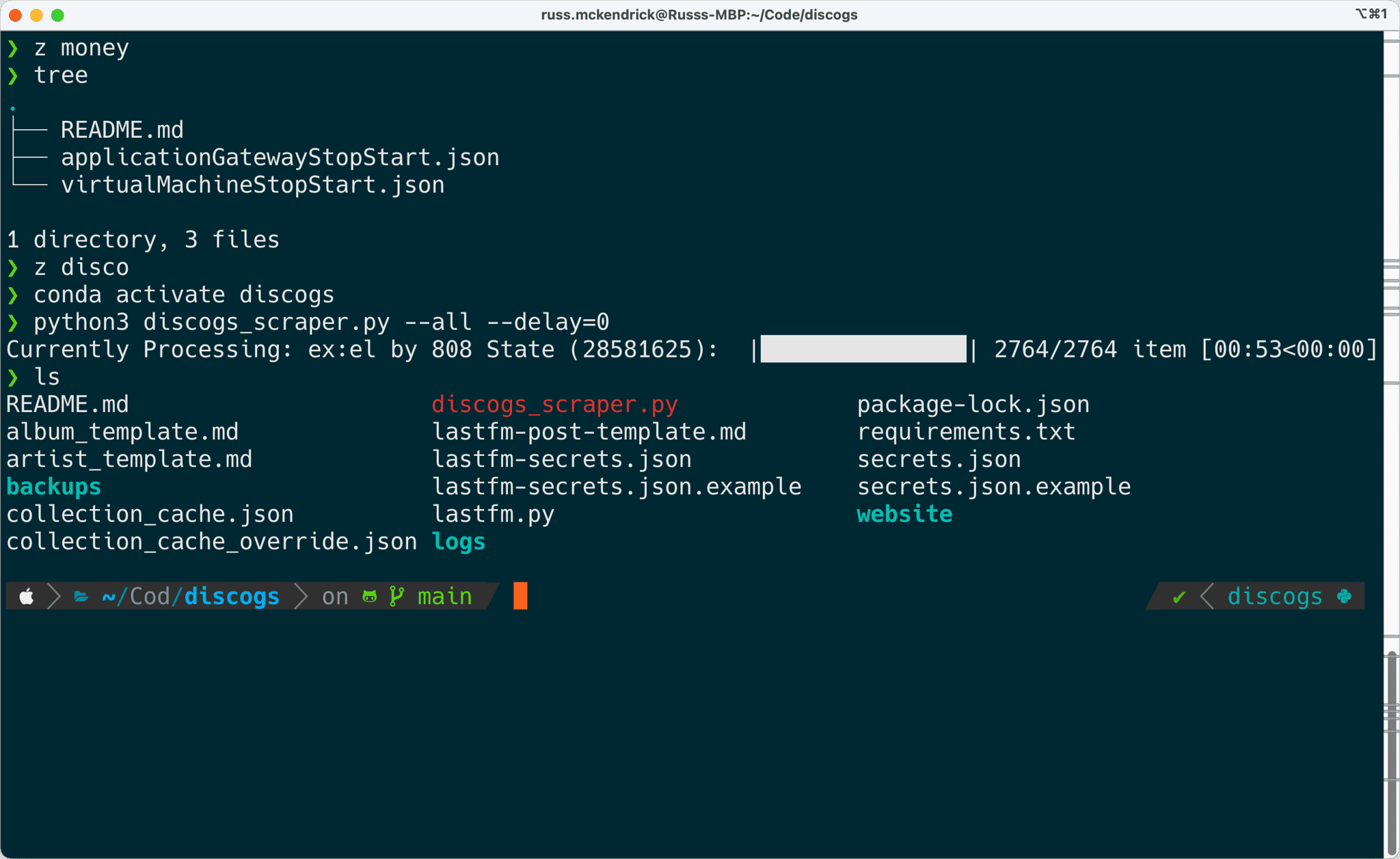
You can also click on the link below to see it in action:

Conclusion
In this blog post, we walked through updating my dotfiles repository and setting up your development environment on a fresh macOS installation. I created a highly personalised and efficient terminal setup by using tools like Oh My Zsh, custom fonts, and a custom theme. While these dotfiles are tailored to my specific needs and may not be suitable for everyone to copy directly, they provide a great example of how to customize and streamline your development workflow. Keeping your dotfiles up to date and versioned in a repository is a great way to maintain consistency across your machines and make setting up new environments a breeze.
If you have any questions, feel free to leave a comment.
Related terms: AgentAI Coding AssistantApplication Programming InterfaceClaude CodeCodexCommand-Line Interface
More from the archive
My Starship Prompt Revisited: Making Blocks Vanish Cleanly
A follow-up to my Starship setup: how I got the status and AI blocks to appear only when they matter, without leaving a powerline stub behind.
10 min read

Counting the Cost of Vibe Coding
A local-first dashboard for tracking AI coding tool spend across Claude Code, Codex, Cursor, Copilot, and Gemini CLI - with a TUI, a desktop app, and zero API keys required.
16 min read

Comments