Ansible AWX

Author Russ Mckendrick explores Ansible AWX, the open-source version of Ansible Tower. Follow his guide to quickly set up AWX with CentOS 7 using Vagrant.

Russ McKendrick · · 3 min read
It has been a while as I have been busy writing, I thought I would spend some of my freetime having a very quick play with Ansible AWX, which is the Open Source version of Ansible Tower.
I created the following Vagrantfile to launch a CentOS 7 server;
# -*- mode: ruby -*-# vi: set ft=ruby :
VAGRANTFILE_API_VERSION = "2"
Vagrant.configure(VAGRANTFILE_API_VERSION) do |config|  config.vm.box = "centos/7"  config.vm.provider :virtualbox do |v|    v.memory = 4048    v.cpus = 2    v.customize ["modifyvm", :id, "--natdnshostresolver1", "on"]    v.customize ["modifyvm", :id, "--ioapic", "on"]  end  config.vm.define "awx" do |awx|    awx.vm.hostname = "awx.local"    awx.vm.network :forwarded_port, guest: "80", host: "8080"    awx.vm.provision :ansible do |ansible|      ansible.playbook = "playbook.yml"      ansible.become = true    end  end
end
This launches the following playbook.yml which prepares the CentOS 7 box by installing Docker and the other prerequisites need to build and launch AWX;
- name: Deploy AWX  hosts: all  become: true  become_user: root
  tasks:
    - name: sort out the yum repos      yum:        name: "{{ item }}"        state: "latest"      with_items:        - "epel-release"        - "yum-utils"
    - name: add the docker ce yum repo      yum_repository:        name: "docker-ce"        alt: "Docker CE YUM repo"        gpgcheck: "yes"        enabled: "yes"        baseurl: "https://download.docker.com/linux/centos/7/$basearch/stable"        gpgkey: "https://download.docker.com/linux/centos/gpg"
    - name: install the prerequisites using yum      yum:        name: "{{ item }}"        state: "latest"      with_items:        - "epel-release"        - "libselinux-python"        - "python-wheel"        - "python-pip"        - "git"        - "docker-ce"
    - name: start and enable docker      systemd:        name: "docker"        enabled: "yes"        state: "started"
    - name: install the python packages using pip      pip:        name: "{{ item }}"        state: "latest"      with_items:        - "pip"        - "ansible"        - "boto"        - "boto3"        - "docker"
    - name: check out the awx repo      git:        repo: "https://github.com/ansible/awx.git"        dest: "~/awx"        clone: "yes"        update: "yes"
    - name: install awx      command: "ansible-playbook -i inventory install.yml"      args:        chdir: "~/awx/installer"
(You can find the files above in a gist on GitHub) Running vagrant up will launch the CentOS 7 machine and execute the playbook to install AWX, this process takes about 15 minutes.
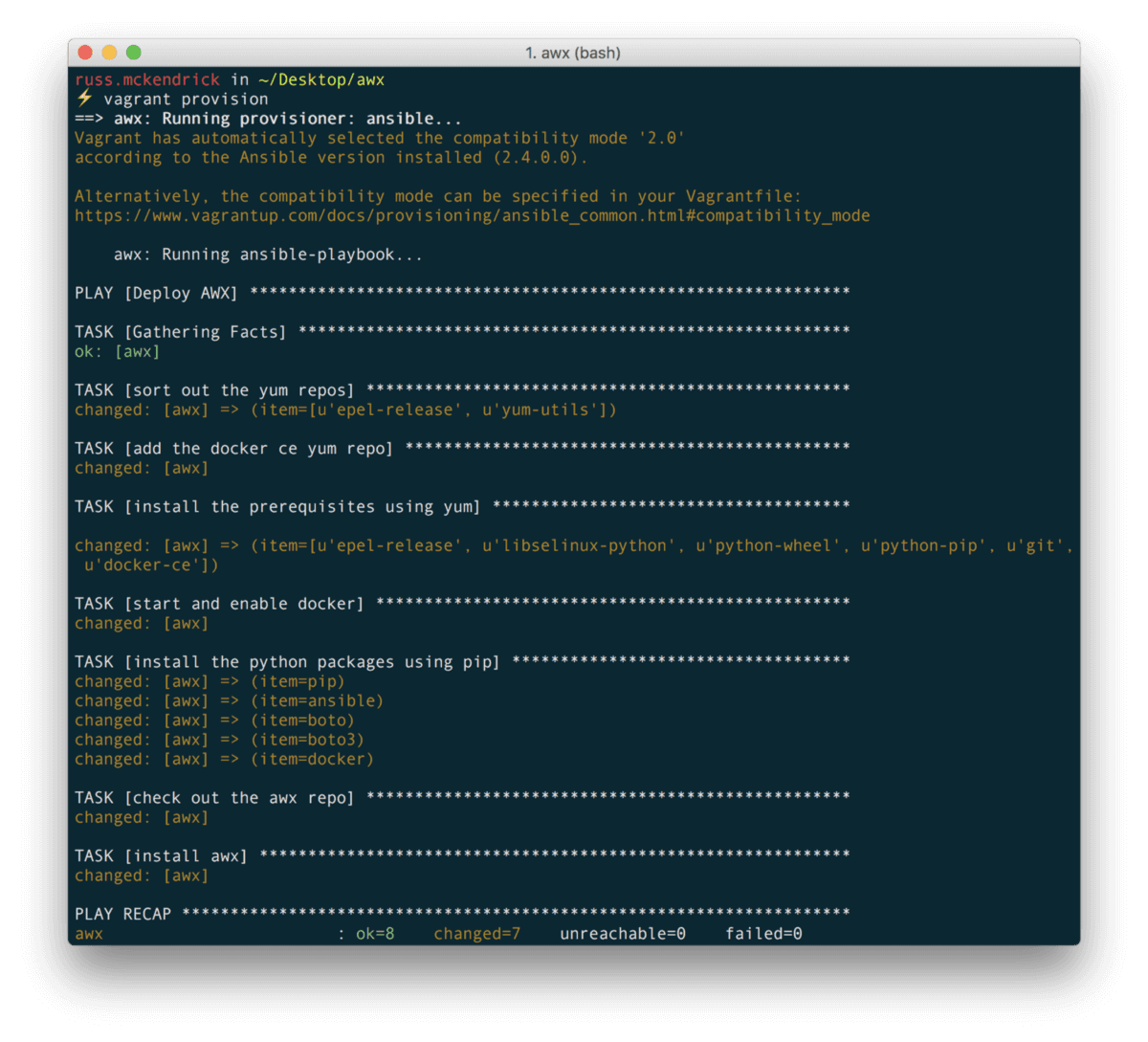
In the background the installer has built and downloaded several Docker images, you can check what is going on the machine by running;
vagrant sshsudo docker image lssudo docker container lsOnce the build has completed you should the following images;
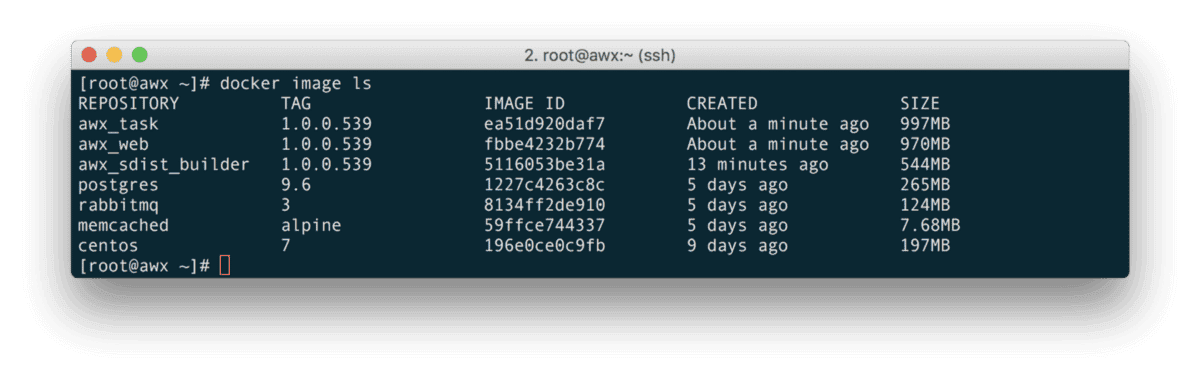
Also, you should have several containers running;

Once the containers have launched, going to http://localhost:8080/ should show you the following;
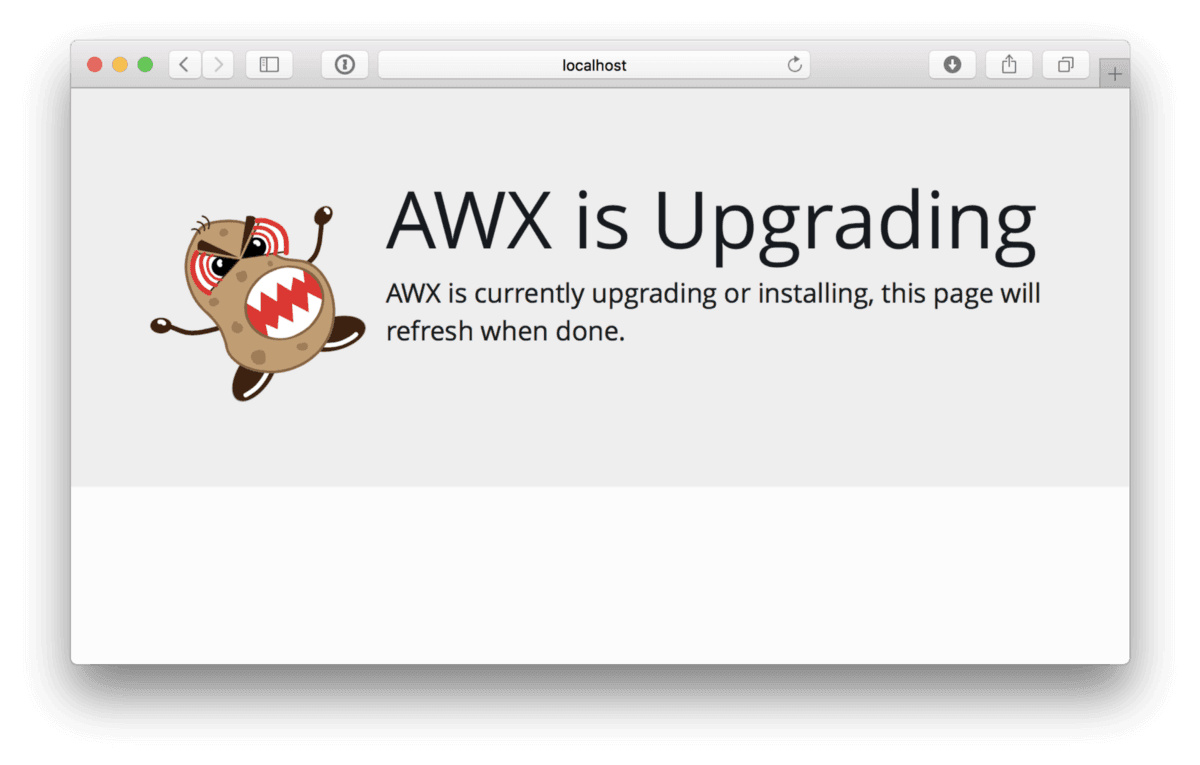
After a while the page will eventually refresh into a login screen, the default user is admin and the password is password. Once logged in you will be taken to the dashboard, here you can see that there is already a project created, this is a simple test job;
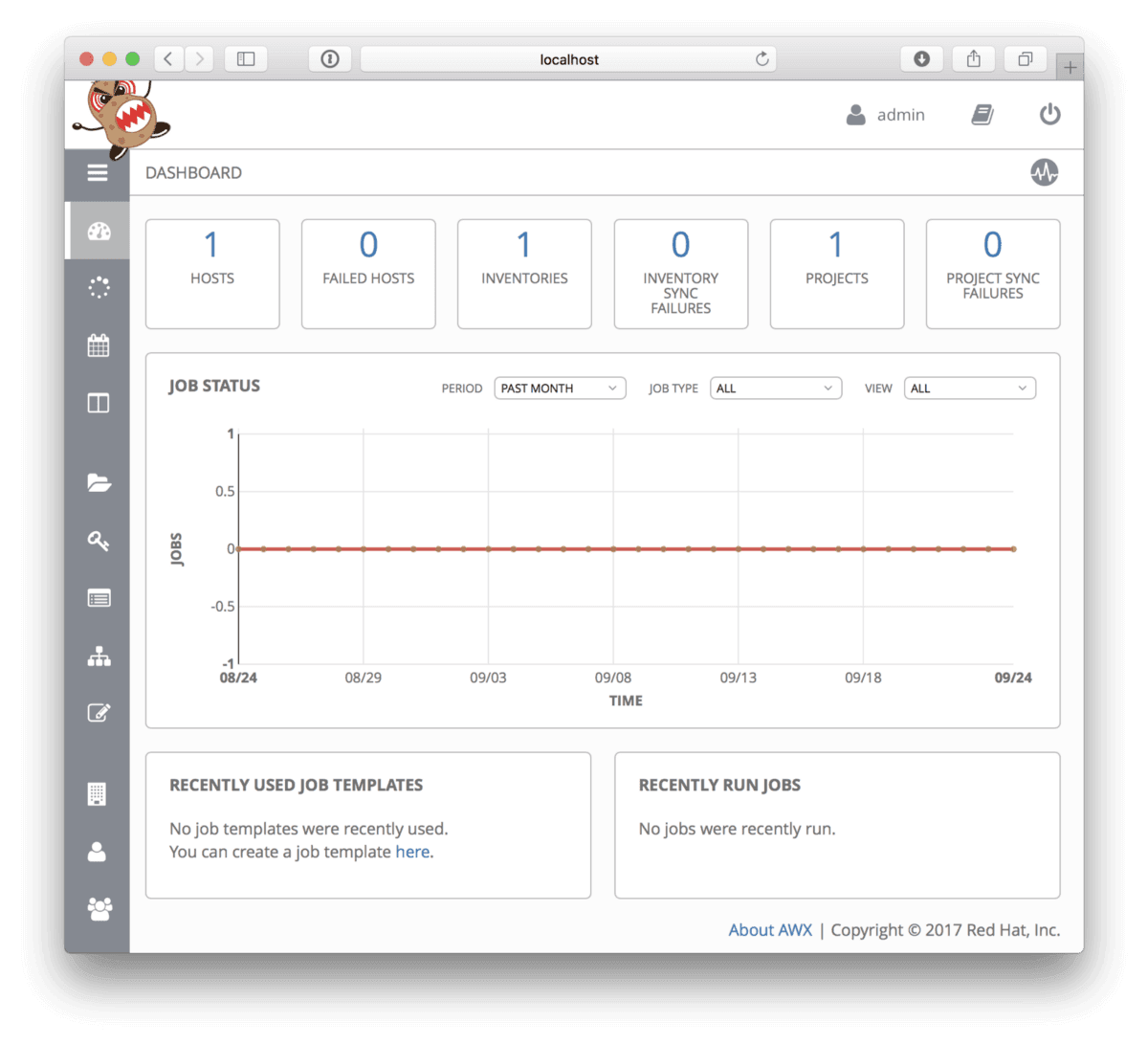
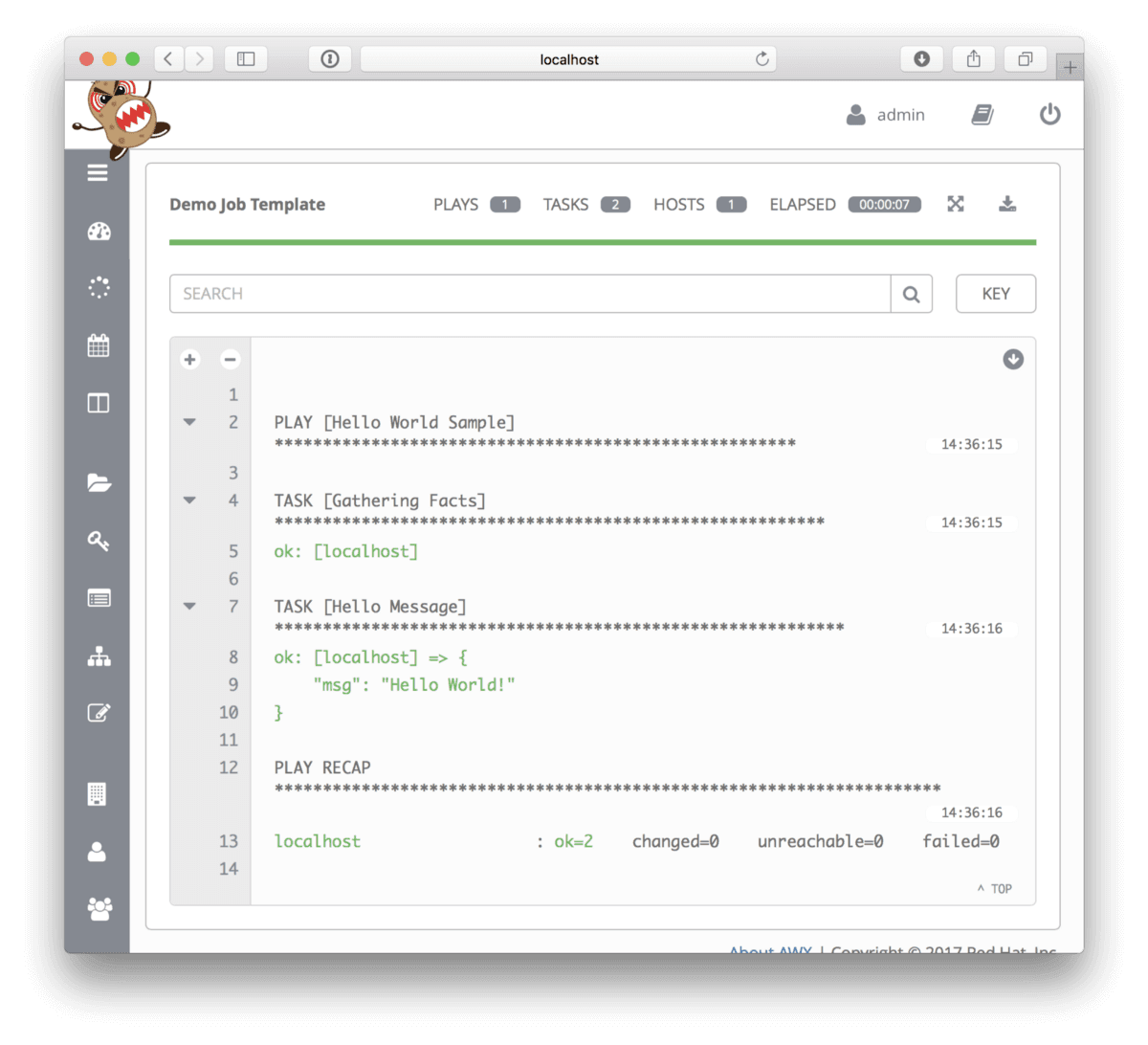
You can test your installation by running the test job, which is the Ansible equivalent of a Hello World, you can see the output of running the template below;
As I said at the start of this post this was a only a quick post to document how you can get quickly (well sort of quickly) get an AWX host up and running, if you would like more detail on how to use AWX see the Ansible Tower Document site.

Related terms: AnsibleAutomationAzure DevOpsAzure PipelinesAzure Virtual DesktopAzure Virtual Network


Comments